How to Get More Tripadvisor Reviews for Your Restaurant, Pub or Hotel
For restaurants, pubs, cafés, attractions and hotels, Tripadvisor is often where visitors decide where to go. More recent reviews help you stand out, and the best way to get them is to make asking part of every visit.
Find your Tripadvisor review link
Your review link opens the “write a review” page for your listing. You can find it in your Tripadvisor business account, or use our free Tripadvisor review link tool to get the link and a QR code.
Ask at the end of the visit
The moment to ask is when guests are relaxed and happy: as you clear the plates, bring the bill or check them out. Keep it simple: “If you enjoyed tonight, a Tripadvisor review would mean a lot to us.”
Put a card in the bill folder
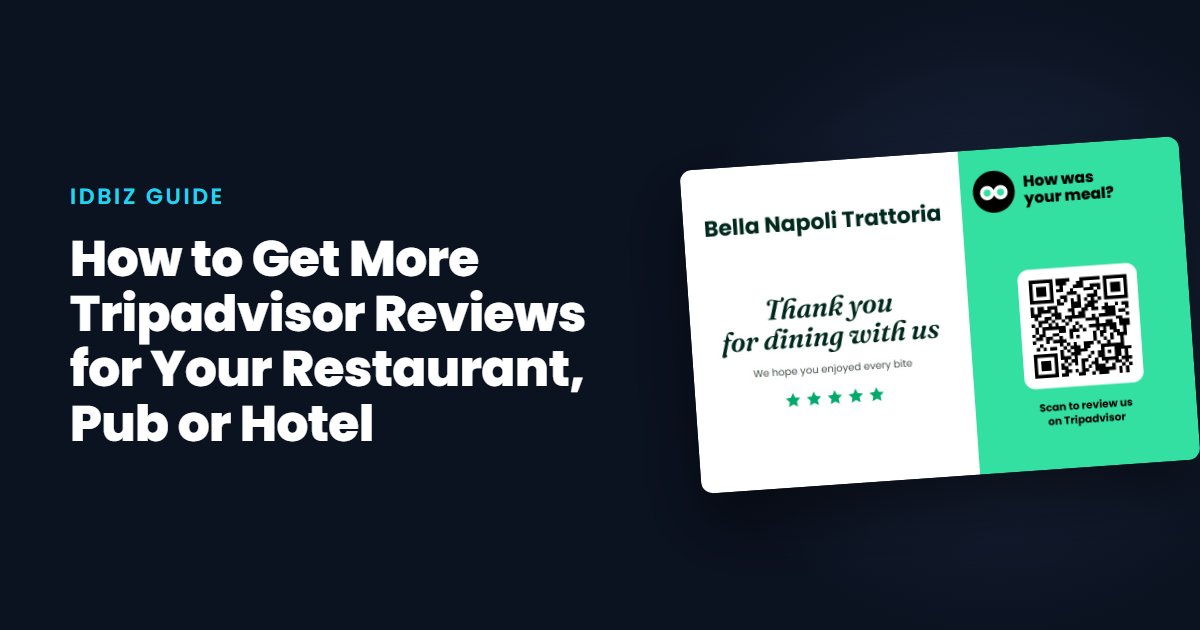
A card in the bill folder is seen by every table without staff having to remember. Our Thank You for Dining card is designed for exactly this, with your restaurant’s name or logo and a QR code to your Tripadvisor page. See all our printed review cards.
Make it tappable at the table or bar
An NFC Tripadvisor review card opens your review page with a tap, which is quicker than scanning. Keep one with each server, or by the till.
For hotels and B&Bs
Leave a card in the room, add your review link to the checkout email, and mention it at the desk. Guests often write reviews on the journey home, so the email matters.
Reply to reviews
Tripadvisor readers notice owners who reply. Thank guests by name where you can, and respond to complaints calmly with what you have done about them.
Stay within the rules
Tripadvisor does not allow incentives for reviews, and you should ask every guest rather than only the ones you think are happy. The same applies to Google, as we explain in the review rules.
Don’t forget Google
Many diners check Google Maps first. Ask for both, or alternate: a Google review card at the till and a Tripadvisor card in the bill folder works well.