How to Get More Google Reviews: 10 Practical Ways for UK Small Businesses
Most small businesses have plenty of happy customers but far fewer reviews than they deserve. The customers are willing. What gets in the way is effort: finding your listing, finding the review button, and remembering to do it later. Every idea below is about removing that effort, and all of them stay within Google’s rules.
Why Google reviews matter
Reviews are one of the things Google looks at when it decides which local businesses to show in Maps and the local results for searches like “hairdresser near me”. They also do the selling for you: people compare your star rating, how many reviews you have and how recent they are before they ever click.
A steady flow of new reviews matters as much as the total. A business with fifty reviews from the last few months looks busier and more trustworthy than one with a hundred from years ago.
1. Ask every customer, not just the happy ones
Google does not allow businesses to pick and choose who they ask, so make asking part of your routine for everyone. In practice, most customers who bother to leave a review had a good experience, and the occasional critical review makes the rest more believable.
2. Ask at the right moment
The best time is straight after the good bit: when the haircut is finished, the meal is cleared, the job is signed off or the parcel arrives. Interest drops fast once the customer has left.
3. Make it one tap
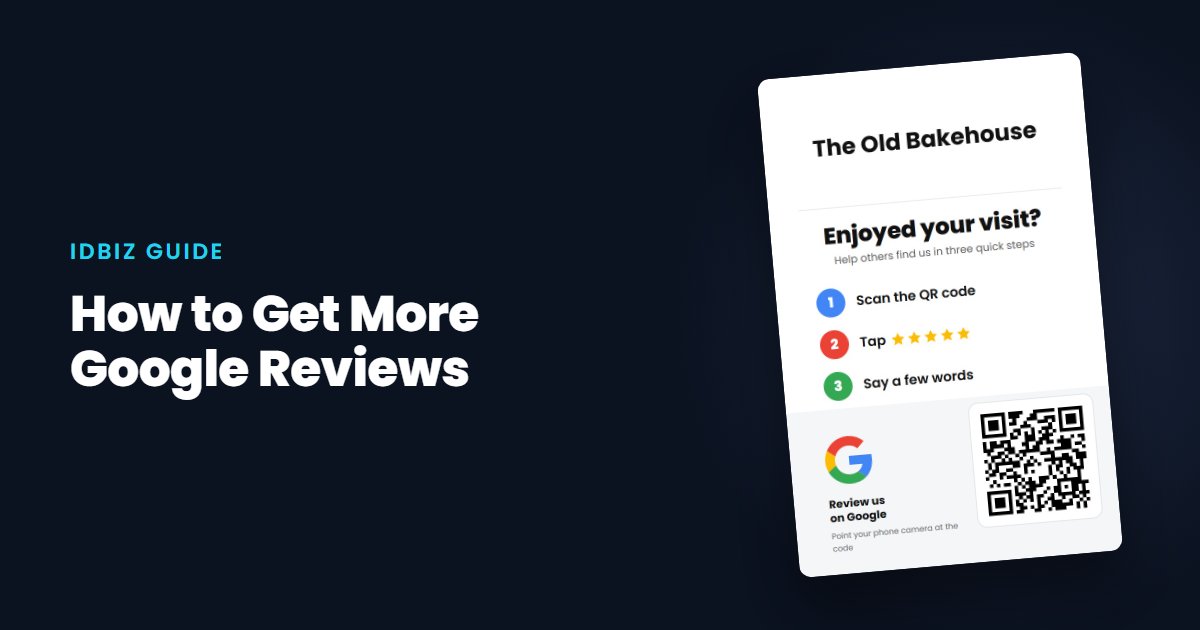
If a customer has to search for you, they usually won’t. Give them a direct link to your review box. An NFC Google review card opens it with a tap, and a QR code does the same with the phone camera.
4. Put it where people wait
A review stand on the counter works while you serve. Customers waiting to pay, or for their table, already have their phone in their hand.
5. Hand something over
A small printed card is a polite reminder that goes home with the customer. Printed review QR cards are cheap enough to give to everyone: put one in each bag, bill folder or parcel.
6. Use the same words every time
Give your team a short, friendly line they are comfortable saying. Something like: “If you were happy today, a quick Google review really helps us. Just tap here.” We have more wording ideas and templates here.
7. Follow up by email or text
Add your review link to receipts, booking confirmations and thank-you emails. Our free Google review link generator gives you the link and a QR code in about 30 seconds.
8. Reply to every review
Thank people for positive reviews and answer critical ones calmly and helpfully. Replies show future customers that you are listening, and customers are more likely to review a business that clearly reads them.
9. Keep your profile complete
Up-to-date opening hours, photos, services and contact details make your profile more useful, and people who find what they need are more likely to come back and review.
10. Don’t offer anything in return
It is tempting to offer a discount or prize for a review, but Google does not allow it and it can lead to reviews being removed. Under UK consumer law, presenting incentivised reviews without making that clear is also against the rules. Ask, make it easy, and let the reviews come. Read more in Google’s review rules explained.
Track your progress
Our free Google rating calculator shows how many five-star reviews you need to reach the rating you want. Set a simple goal, such as two new reviews a week, and keep an eye on it.