How to Find Your Google Review Link (and Share It Anywhere)
Your Google review link is a web address that opens the “rate and review” box for your business straight away. Customers don’t have to search for you or scroll to find the review button, so far more of them finish leaving a review.
The quickest way: use our free tool
Our Google review link generator finds your business, builds your direct review link and makes a printable QR code. It is free and takes about 30 seconds.
Finding it in Google Business Profile
If you manage your listing, you can also get the link from Google itself:
Building it from your Place ID
Every business on Google Maps has a Place ID. A review link built from it looks like this: https://search.google.com/local/writereview?placeid= followed by your Place ID. Our generator does this for you.
Where to share your review link
Turning your link into something customers can tap
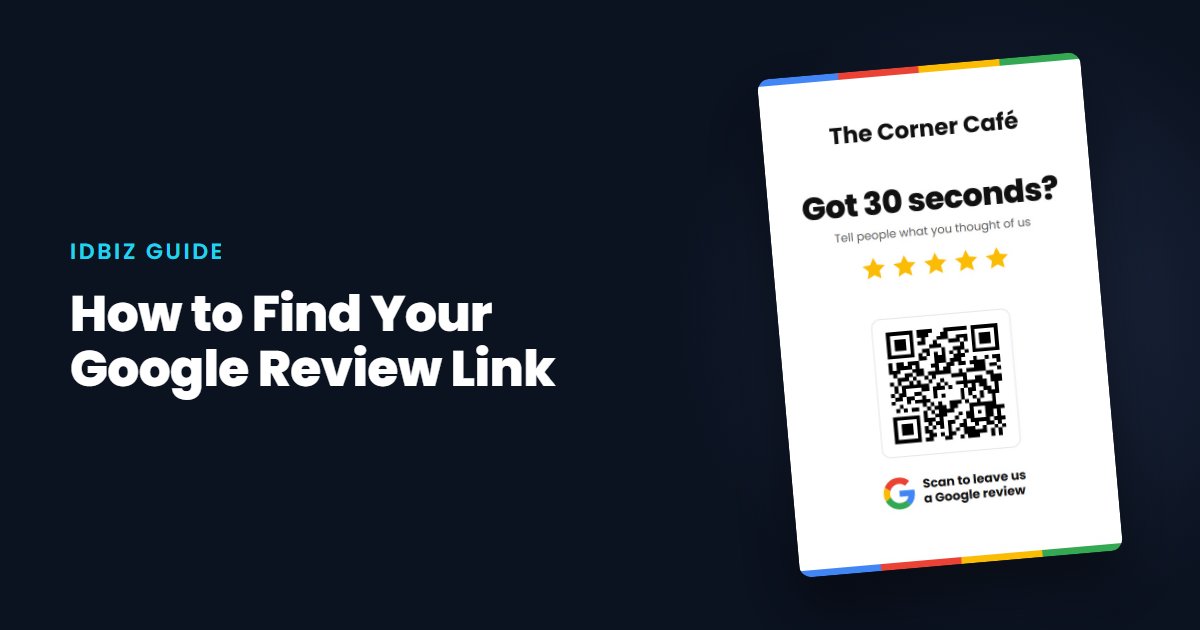
A link works well online, but in person customers need something physical. An NFC Google review card or counter stand opens your review box with a tap, and printed review QR cards let you hand one to every customer. When you order from IDBIZ you just search for your business, and we link the card for you.
Check it works
Open the link on your own phone in a private browser window. You should see your business name and the star rating box. If you see a search page instead, generate the link again.