Google Review QR Code: How to Make One and Where to Put It
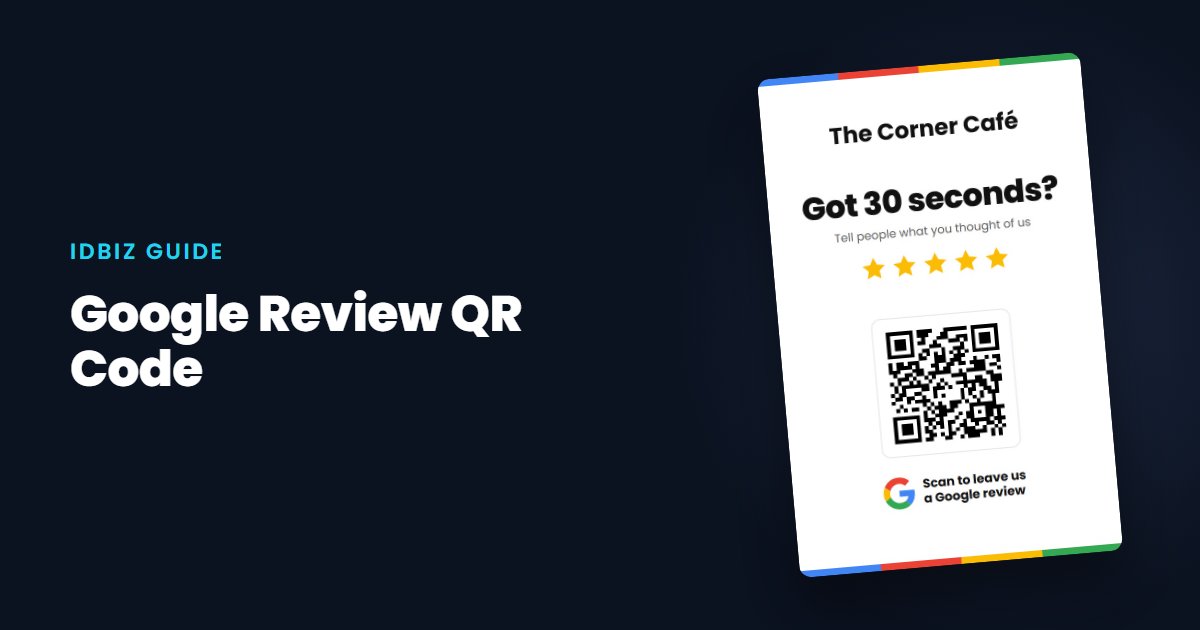
A Google review QR code opens your review box when a customer points their phone camera at it. It is one of the simplest ways to turn happy customers into reviews, because there is nothing to type and nothing to search for.
How to make a Google review QR code
The QR code needs to contain your direct Google review link, not just your website or your Maps listing. Our free Google review QR code tool finds your business, builds the link and gives you a QR code you can download and print.
How big should it be?
Bigger is better for scanning. As a rough guide, keep the code at least 2cm square on a card held in the hand, and larger on anything read from further away, such as a window sticker or a poster. Print it dark on a light background, and leave a clear margin around it.
Where to put your review QR code
Test before you print
Scan the code with two or three different phones, including an older one, and check that each opens your review box. Do this before ordering a large print run.
QR code or NFC?
QR codes are cheap and work with any phone camera, which makes them ideal for cards you give away. NFC adds a chip that opens the link with a tap, which is quicker for customers and better for anything reused, such as a card your staff carry or a counter stand. Many of our NFC review cards include both. We explain the difference in NFC vs QR codes.
Make it easy to act on
Add a short line next to the code, such as “Enjoyed your visit? Scan to leave us a Google review.” People are much more likely to scan when they know what will happen.